Order description, section and description
Guide on how to create order description, section and description
INNHOLDSFORTEGNELSE
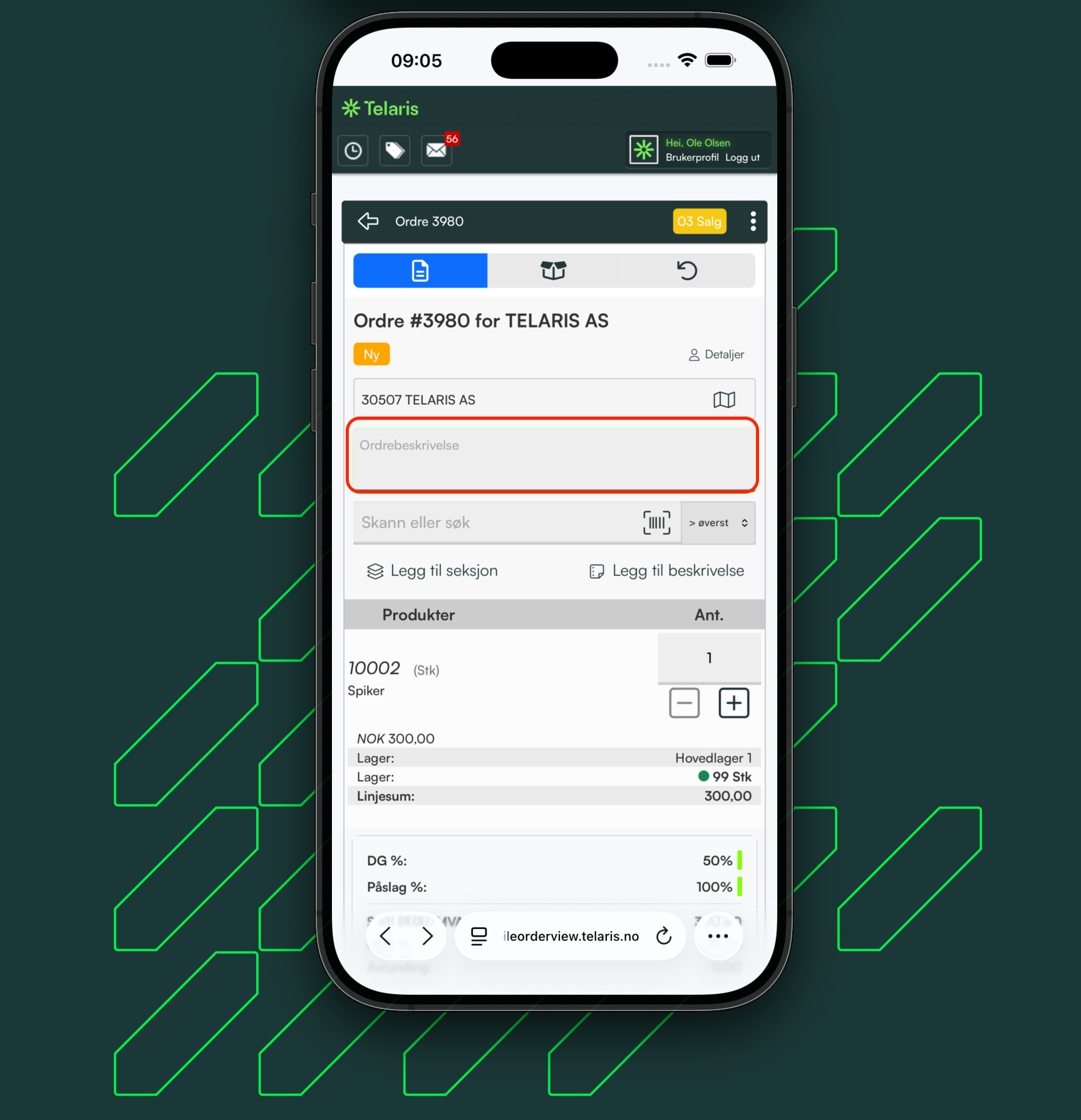
Order description
The order description is retrieved from and written to the same place as in the order view in the desktop version of Telaris.
You can view, edit and write in the field.
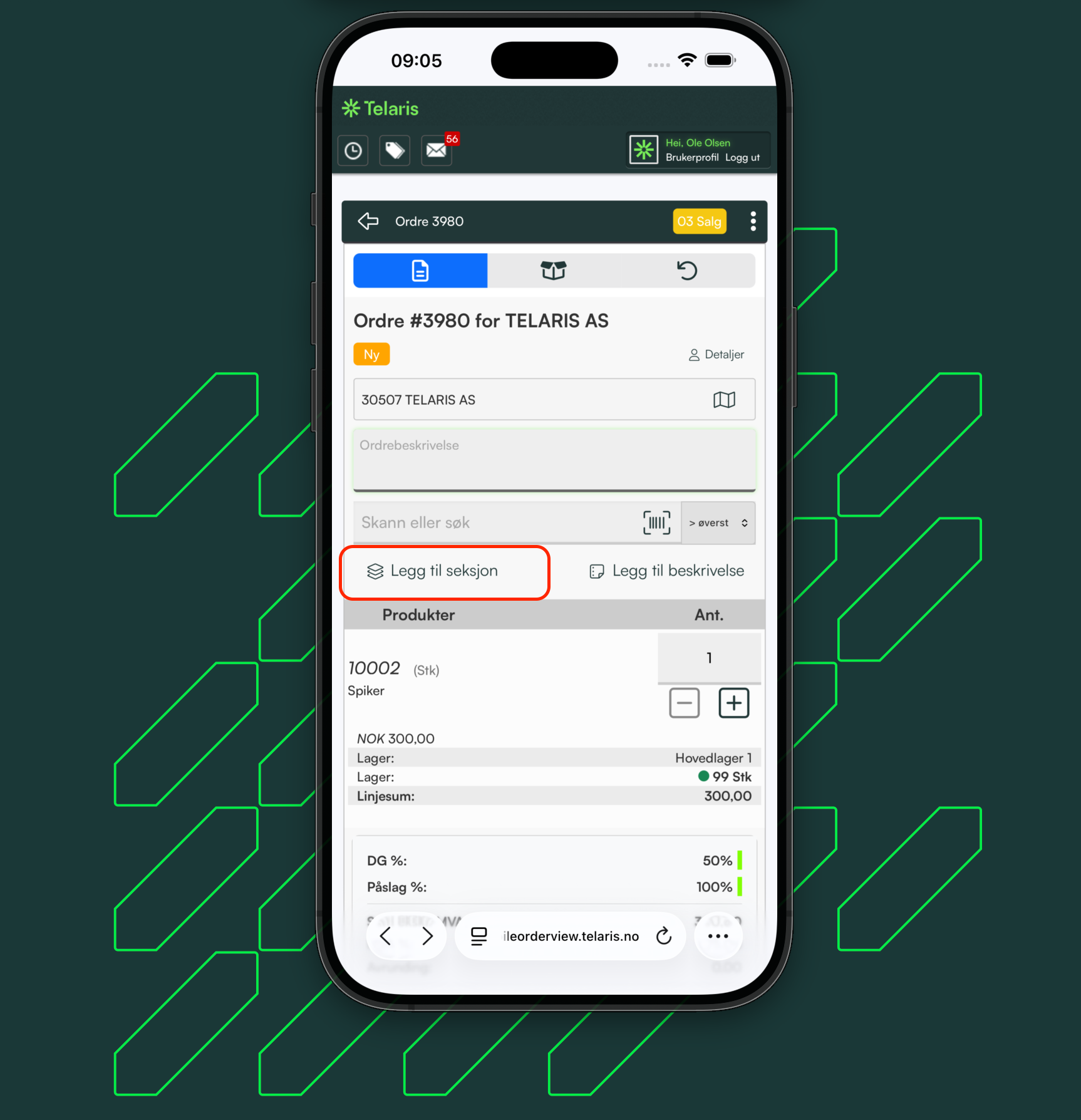
Section
A section can be created in mobile order review. Sections are shown the same way as in the desktop version, but in the mobile view they cannot be moved. Products must be added to sections using the options button located on the product search line
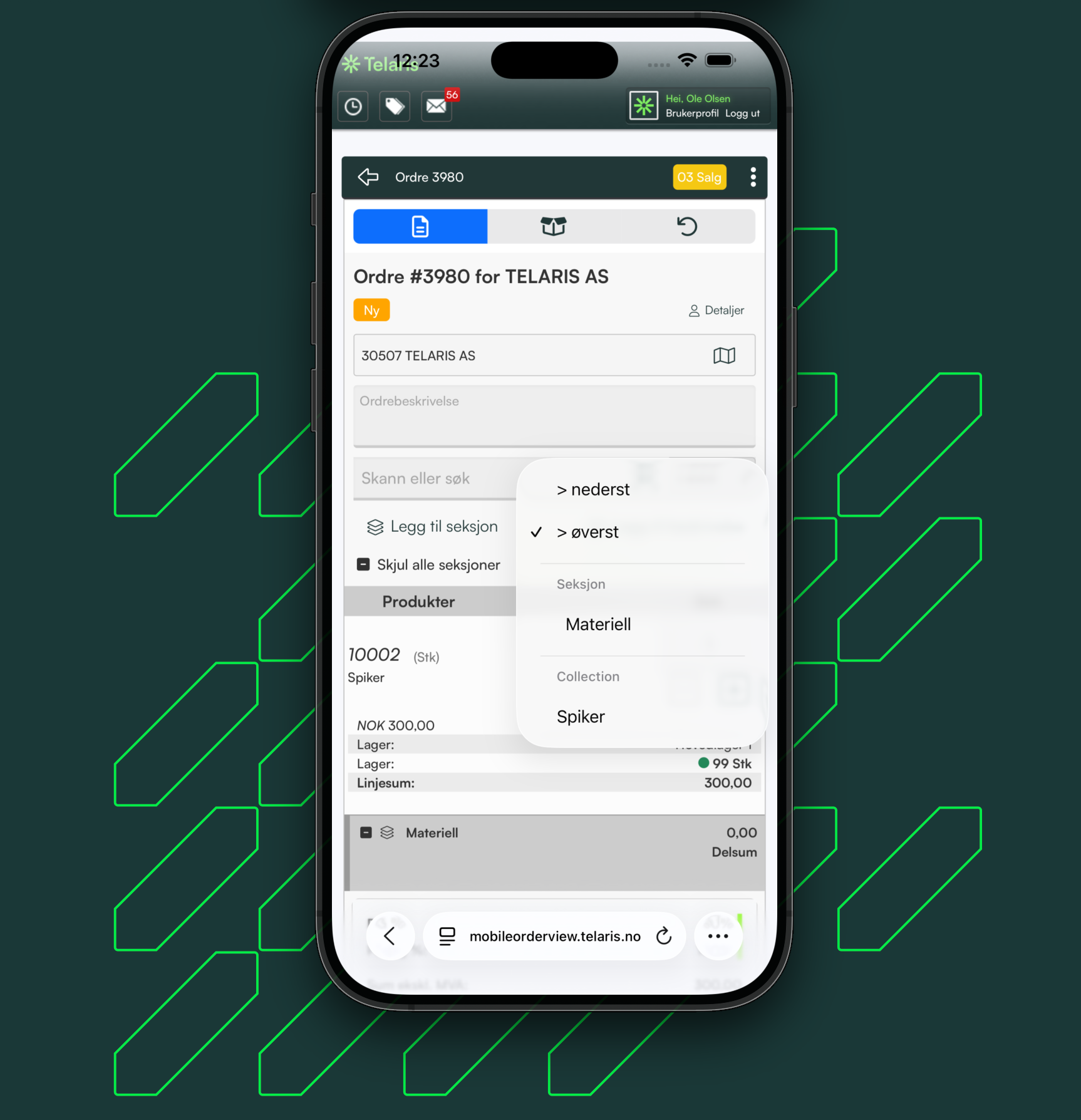
After a section has been created, adding products to the section becomes an option in the menu. Manual moving of a section within an order is done from the desktop version
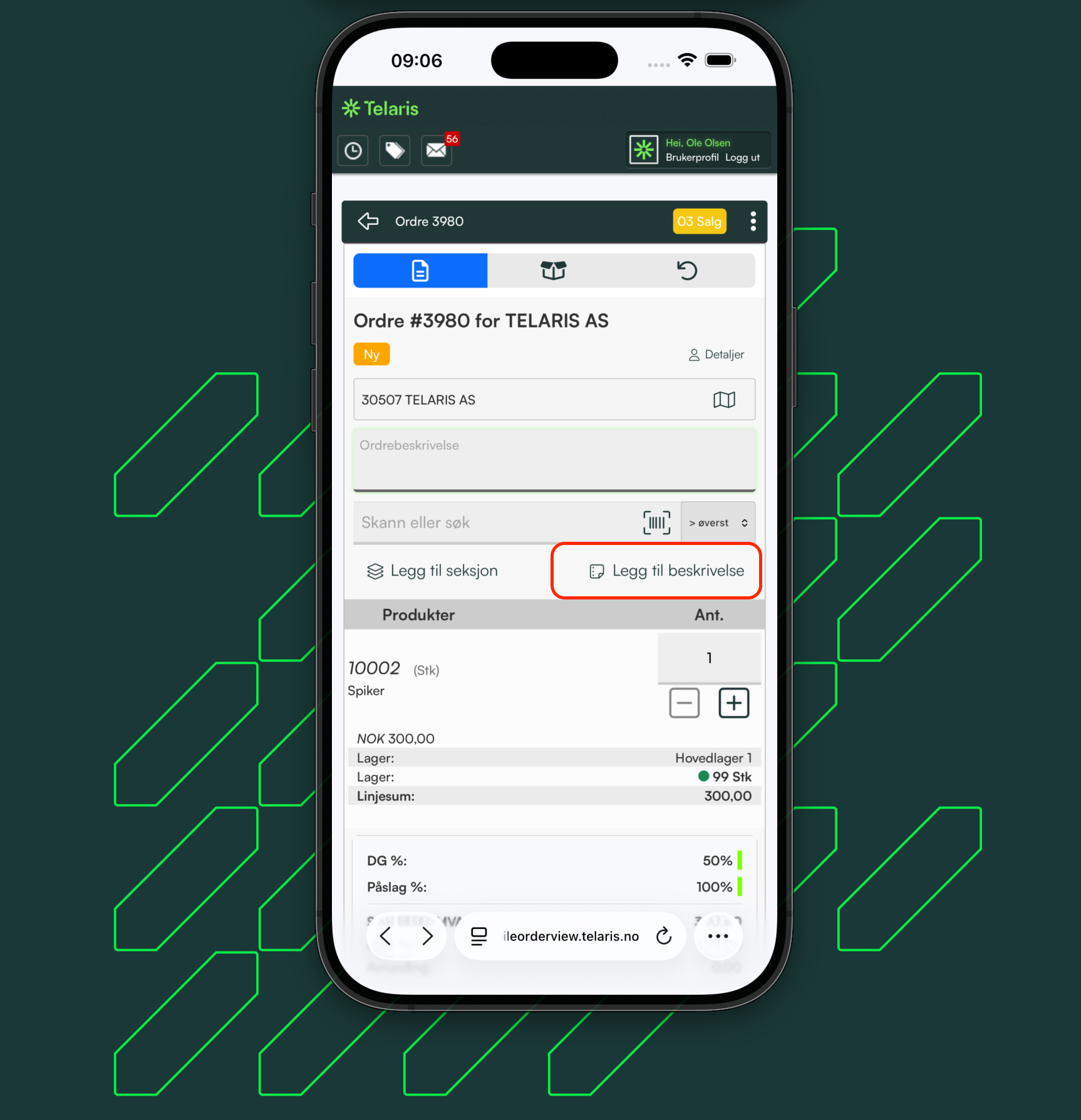
Description
A feature in mobile order review for creating empty order lines with text as messages/information

Was this article helpful?
That’s Great!
Thank you for your feedback
Sorry! We couldn't be helpful
Thank you for your feedback
Feedback sent
We appreciate your effort and will try to fix the article