Deleting warehouse locations
Guide for deleting warehouse locations
Guide
Deleting a warehouse location has two criteria:
1. The location must be empty of products, and allocated products must also be removed.
2. No products can have the location as their default location.
Navigate to Side menu -> 'Locations'.
Find the location you want to delete.
Make sure there are 0 products in stock and the status is 'Free'.
Click into the location and click 'Delete'.
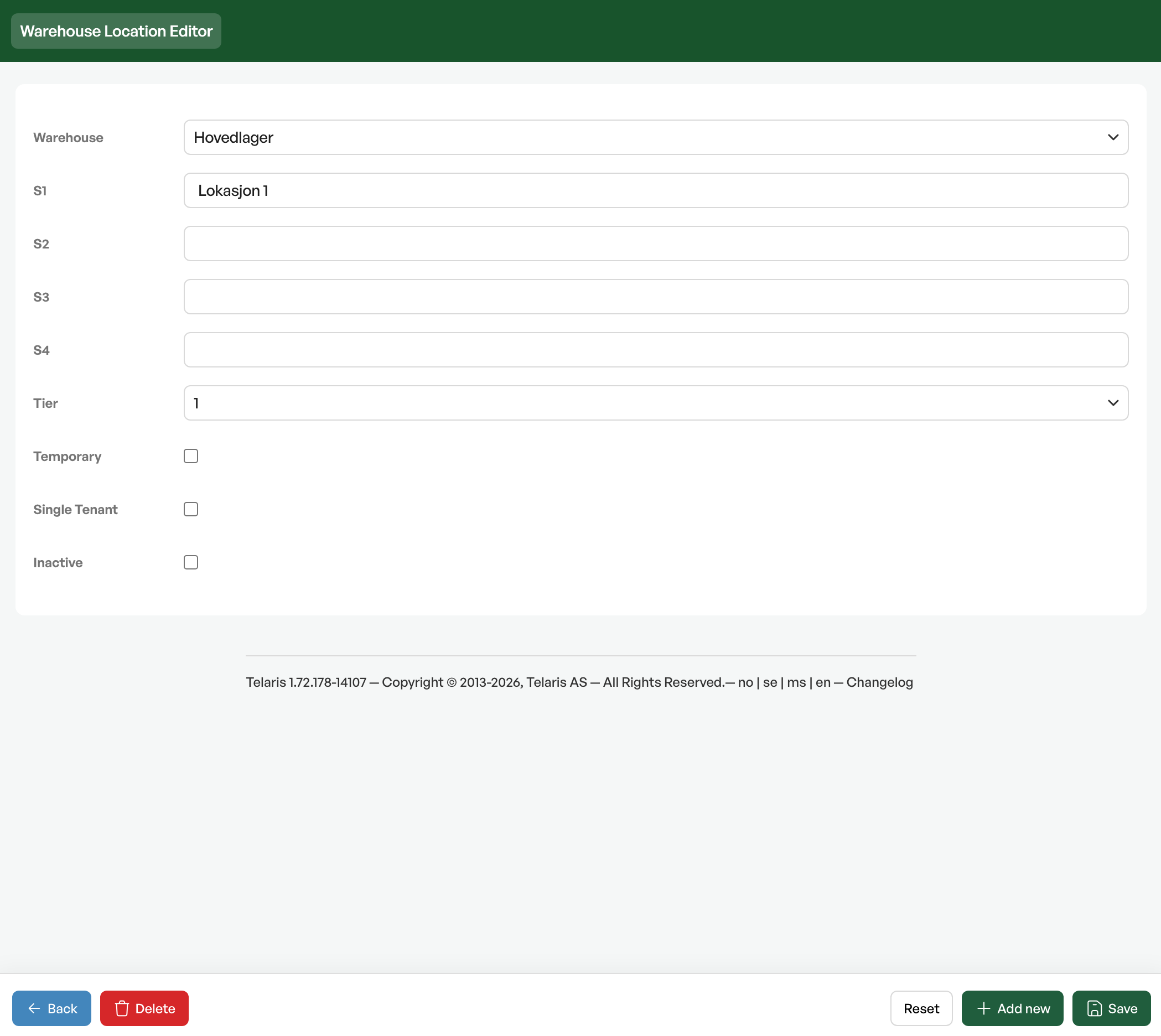
If there are allocated products or the location is the default for products, you get an error message.

Was this article helpful?
That’s Great!
Thank you for your feedback
Sorry! We couldn't be helpful
Thank you for your feedback
Feedback sent
We appreciate your effort and will try to fix the article