Moving a product to a new location
Guide for moving the stock quantity of a product from one location to another
Guide
Navigate to the desired product and go to the 'Warehouse' tab.

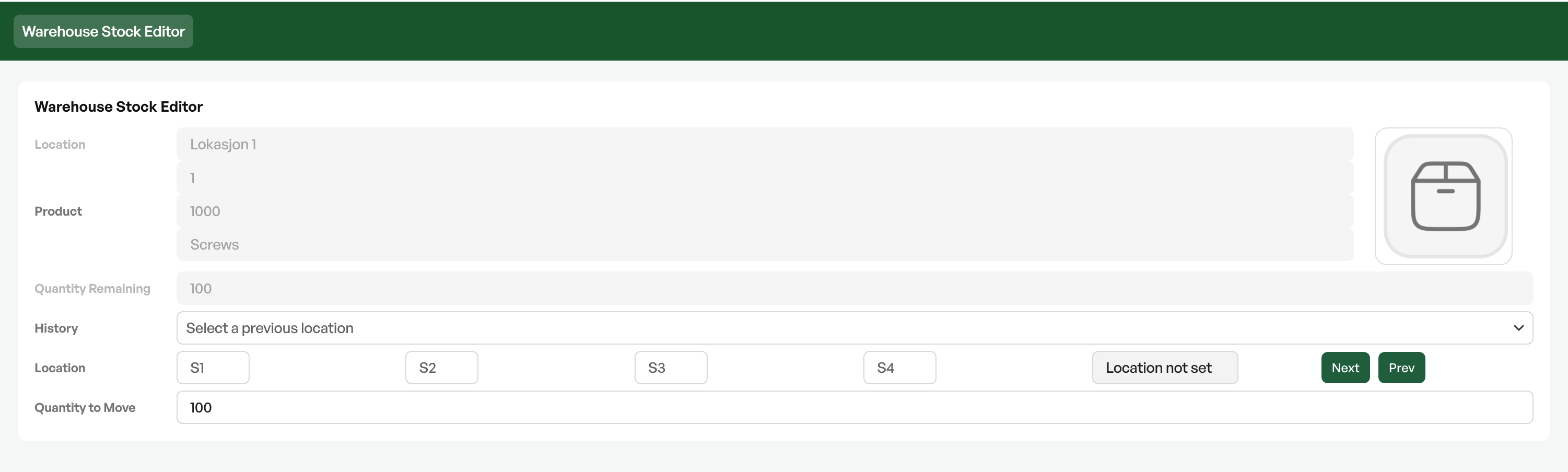
To the right of the location overview are the buttons 'Edit' and 'Move'. Click 'Move' to move the product(s) to a new location.

Choose the desired warehouse and location and click 'Move' to move the product(s) to the new warehouse and location.
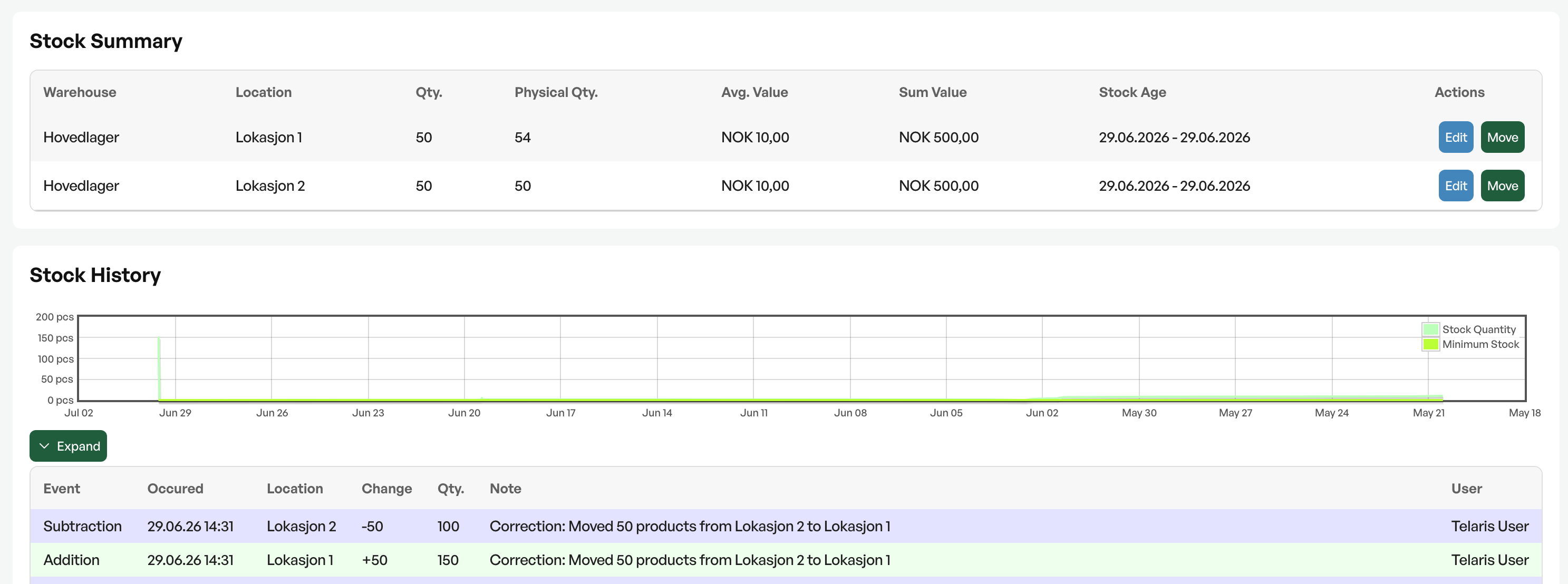
When the move is complete, the history of the move is shown under 'Stock history'.

Was this article helpful?
That’s Great!
Thank you for your feedback
Sorry! We couldn't be helpful
Thank you for your feedback
Feedback sent
We appreciate your effort and will try to fix the article