Postal address and delivery address
Customers' postal and delivery address
Address options
Telaris has two default choices that can be made for the address in the customer card.
By choosing that the postal address equals the delivery address, only one address is shown on the customer card, and this will be the customer's postal and delivery address.
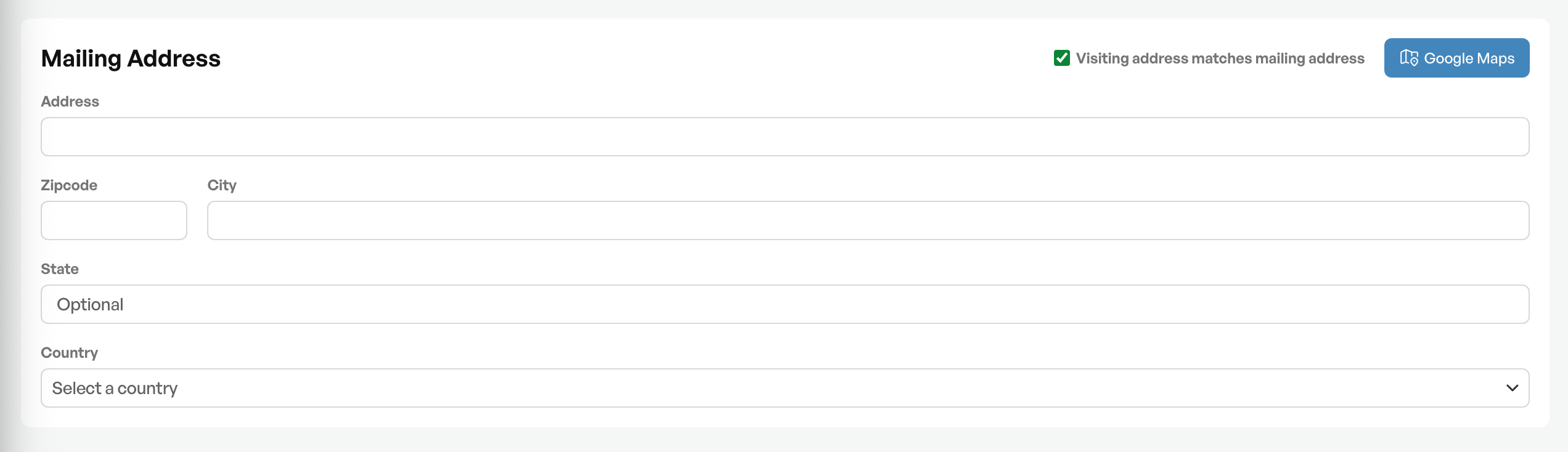
If you turn off 'Delivery address equals the postal address', a new address block appears, and you can enter the customer's default delivery address.
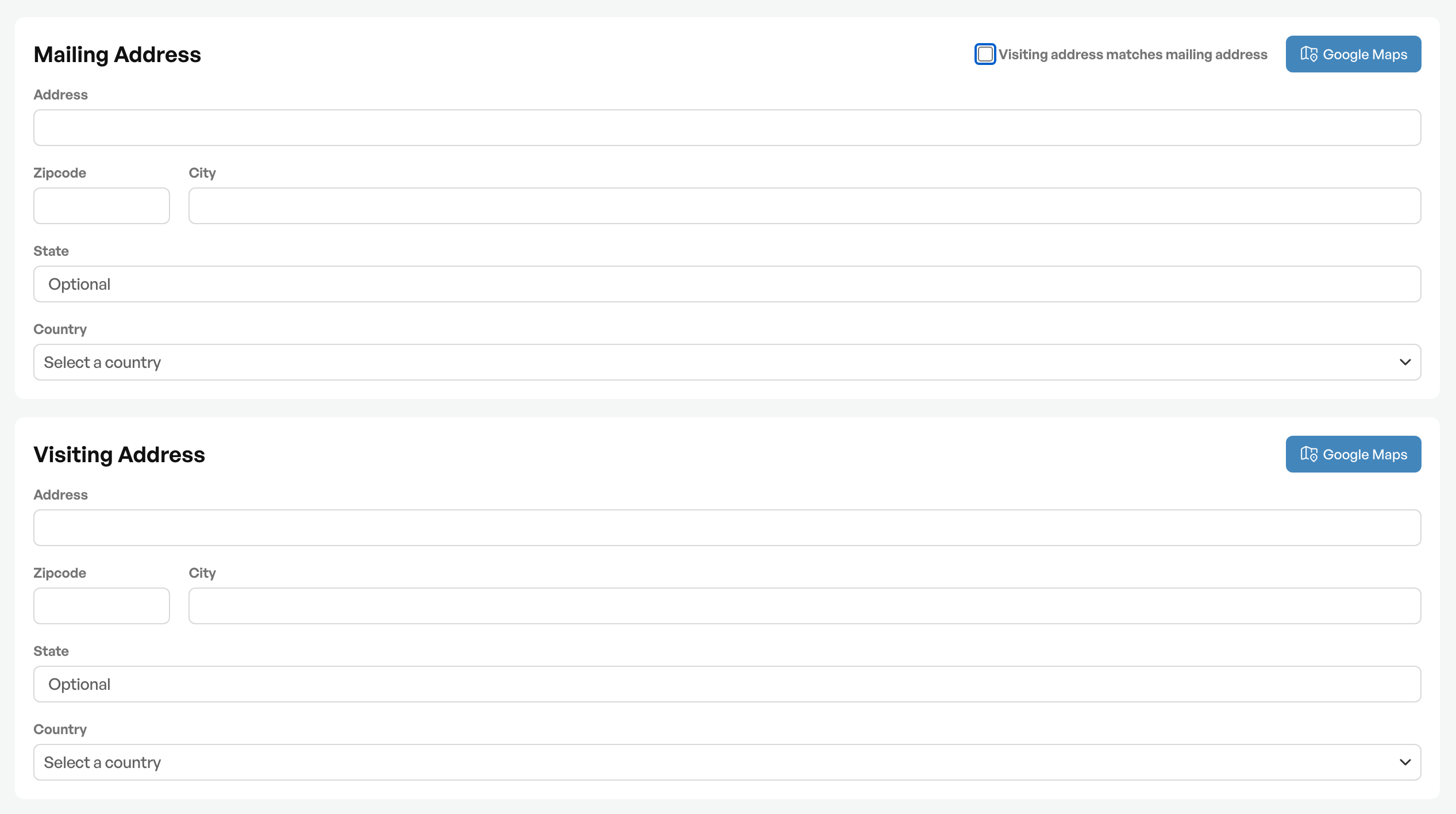
Tip: If the customer has more than one delivery address, these can be registered in the 'Delivery addresses' tab at the top of the customer card.

Was this article helpful?
That’s Great!
Thank you for your feedback
Sorry! We couldn't be helpful
Thank you for your feedback
Feedback sent
We appreciate your effort and will try to fix the article