Currency
Catalogs in Telaris support currencies other than NOK.
It is important that catalogs in a currency are created in that currency from the start. A catalog should not contain several products with several currencies.
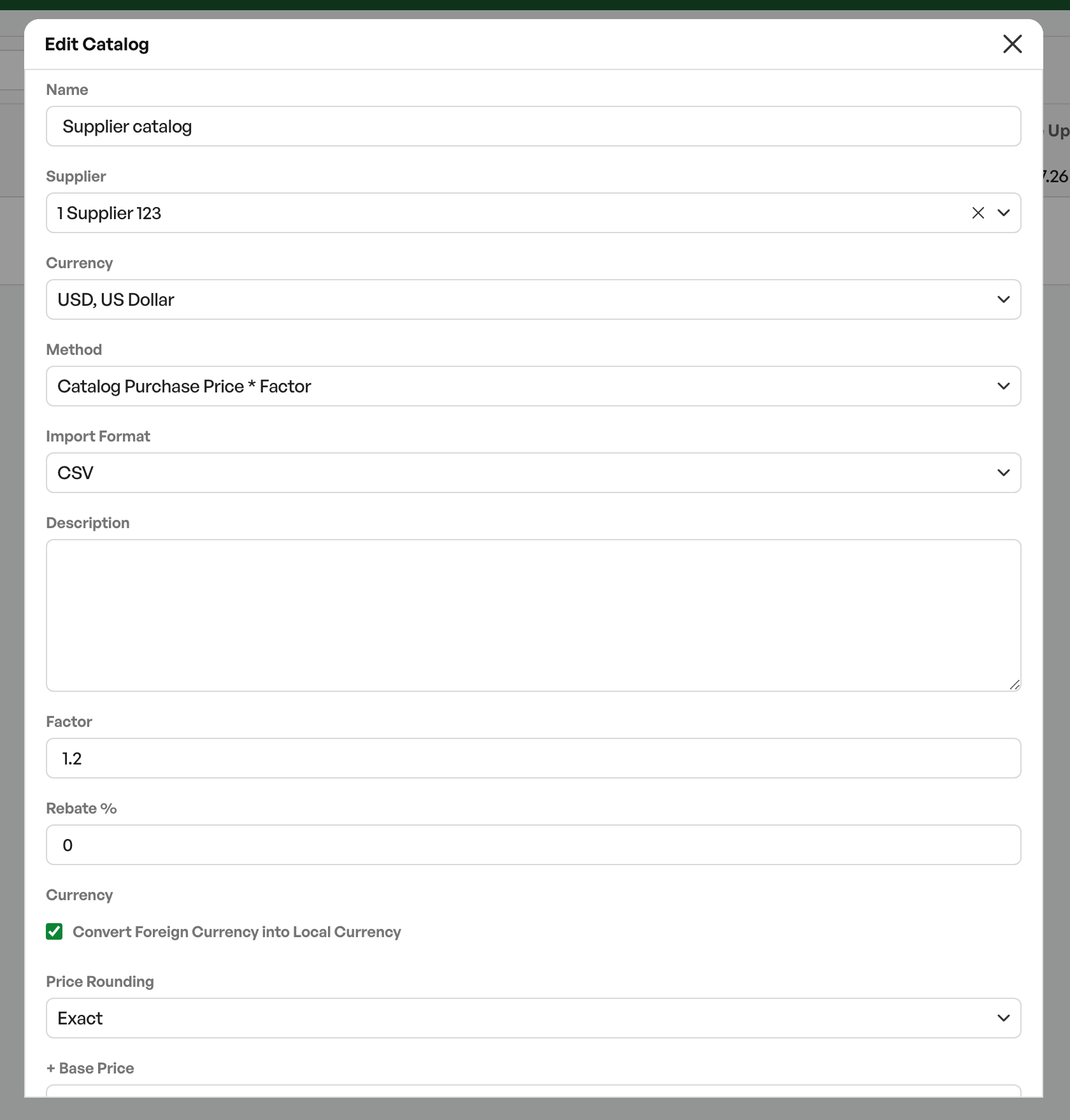
Importing a catalog in a currency is done the same way as a catalog in NOK. In the catalog settings you have the option to set the desired currency, as well as the option to convert the amounts to NOK in the catalog.
If the conversion option is off, all prices in the catalog are shown in the catalog's currency.
For sales prices in the product list in Telaris, the sales price is fetched converted to NOK, and the supplier line shows which exchange rate the currency is at.
Exchange rates in Telaris are fetched from Norges Bank (the Norwegian central bank) and updated daily.

Was this article helpful?
That’s Great!
Thank you for your feedback
Sorry! We couldn't be helpful
Thank you for your feedback
Feedback sent
We appreciate your effort and will try to fix the article