Updating sales prices
This guide covers updating sales prices after importing a catalog.
TABLE OF CONTENTS
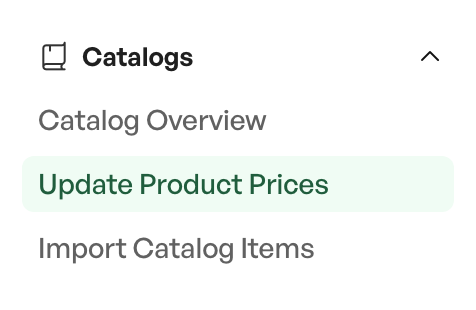
Located under 'Catalogs' > 'Update product prices' in the hamburger menu.
Updating prices applies to sales prices; purchase prices are changed when importing a file in Telaris. Updating prices fetches the new sales price from the catalog product to the product.
Note: Updating prices only needs to be done manually if 'Automatically update prices' is set to OFF in the catalog settings. If the setting is ON, the sales price is updated automatically, and a report is sent as a message in Telaris.
Procedure: Manual updating of the sales price
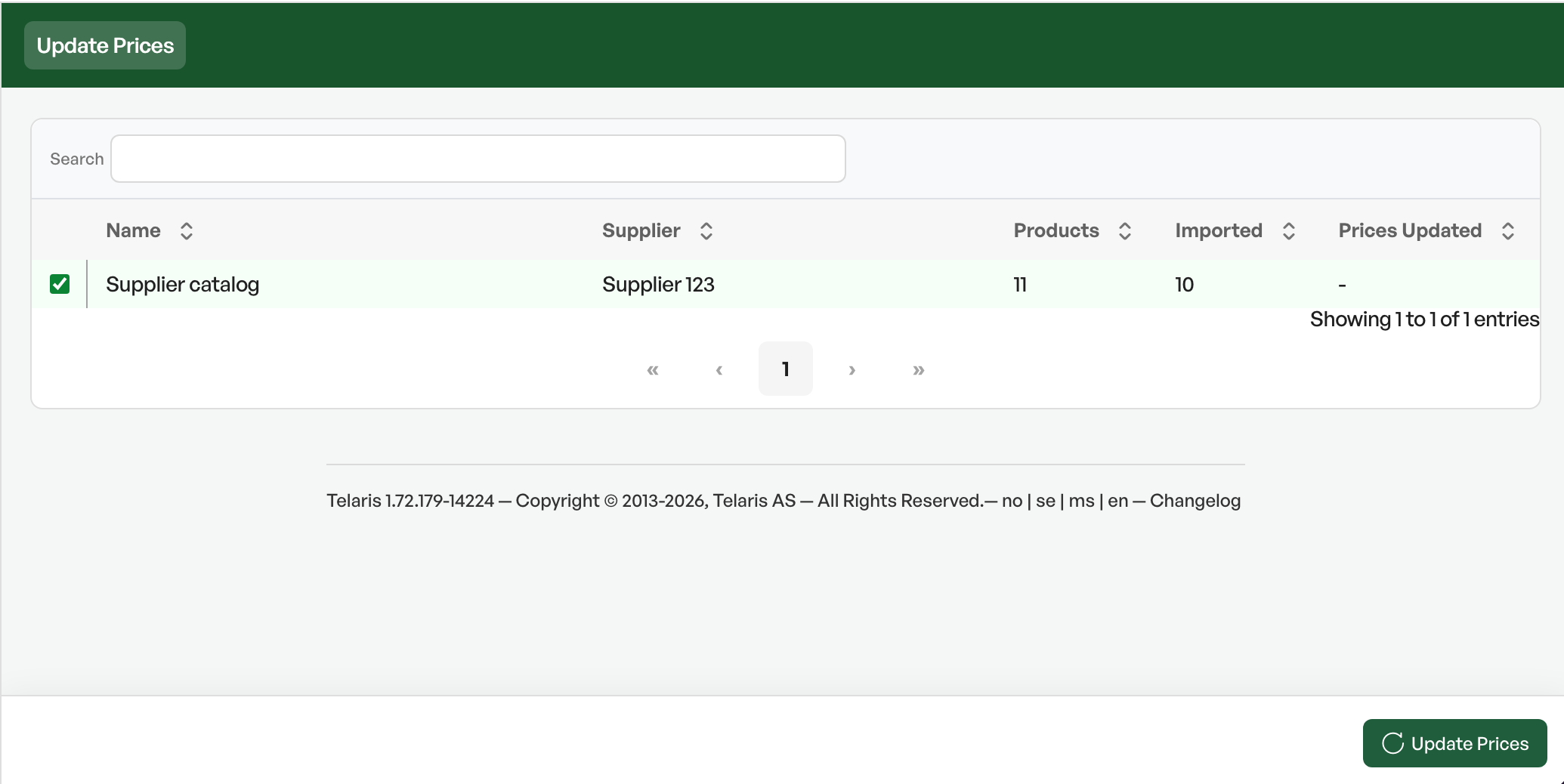
Navigate to 'Catalogs' > 'Update product prices' -Selectthe desired catalog andclick update prices. The update starts, with a progress bar, and the button todownload the price reportappears. This report only shows changes in the sales price of products in the product list.
For the advanced report, see the next section.
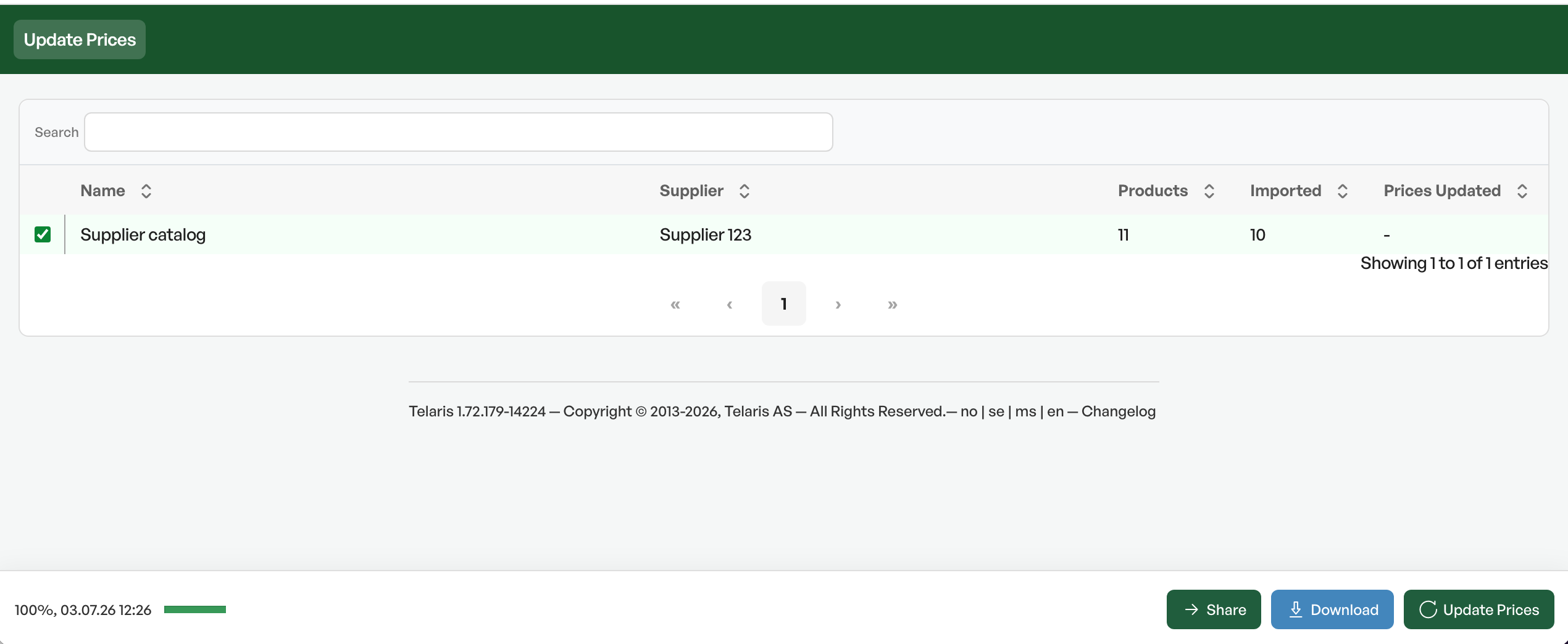
The price update report shows which products have received a new sales price. The old and new price are shown, as well as the difference and the percentage change.

Advanced report
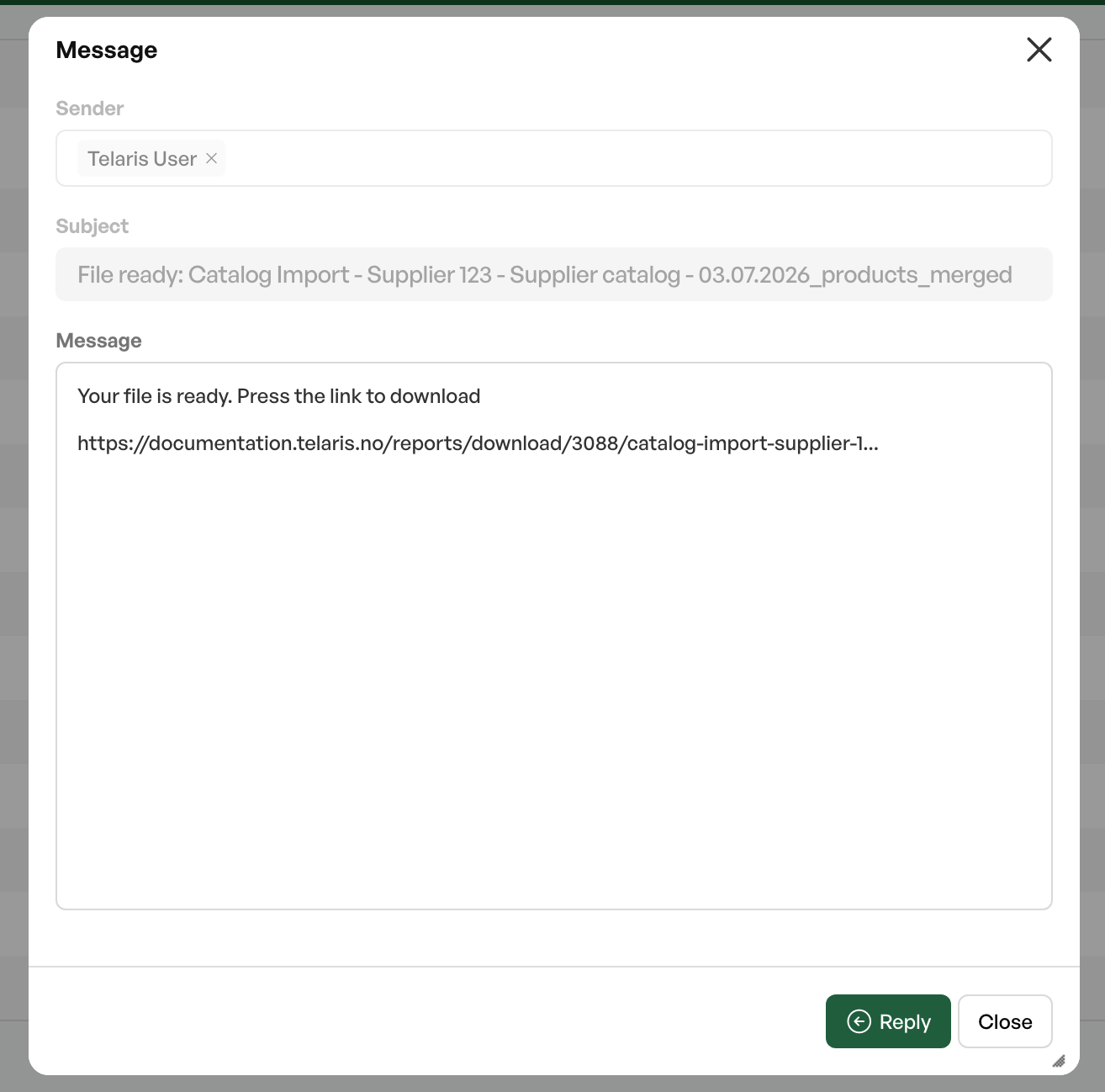
In addition to getting a simplified report when updating prices, an advanced report is sent as a message in Telaris when a catalog is imported.
This appears as a notification in Messages:
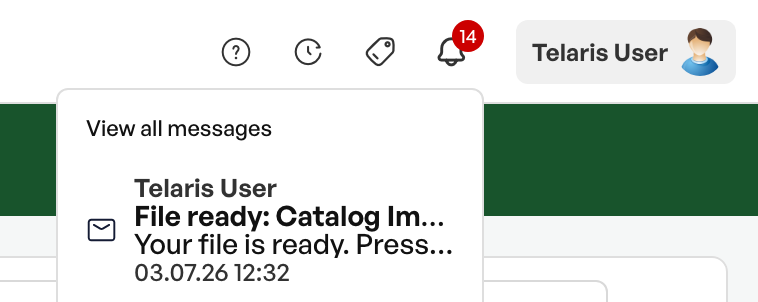
The message received contains alink, which downloads anExcel filewhen clicked
The Excel file
The downloaded report has three tabs:
Catalog import
Cells marked in blue show information about catalog products, price method, factor andthe changes in price on the catalog product.
Cells marked in light green showchanges in purchase priceboth in figures and percentage.
Cells marked in red show changes in price onsales price in the product list
Replacements
Shows products that in the price file are marked asreplacedby another product, but thisproduct did not exist in the price file, or inTelarispreviously.
Missing
Shows catalog products thatdid notexist in the latest price file, including a link to any products that exist in Telaris. These must be reviewed for possible manual price adjustment.


Was this article helpful?
That’s Great!
Thank you for your feedback
Sorry! We couldn't be helpful
Thank you for your feedback
Feedback sent
We appreciate your effort and will try to fix the article