Creating manufacturers for products
Manufacturers on the product card are used for the web shop and categorisation
Guide
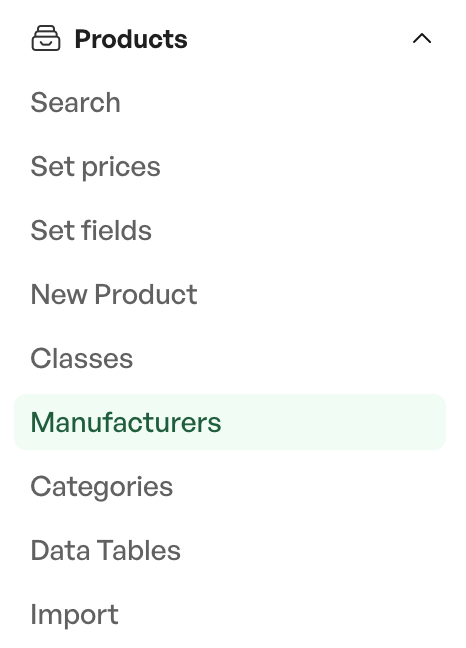
To create new manufacturers, navigate from Side menu -> Products -> Manufacturers
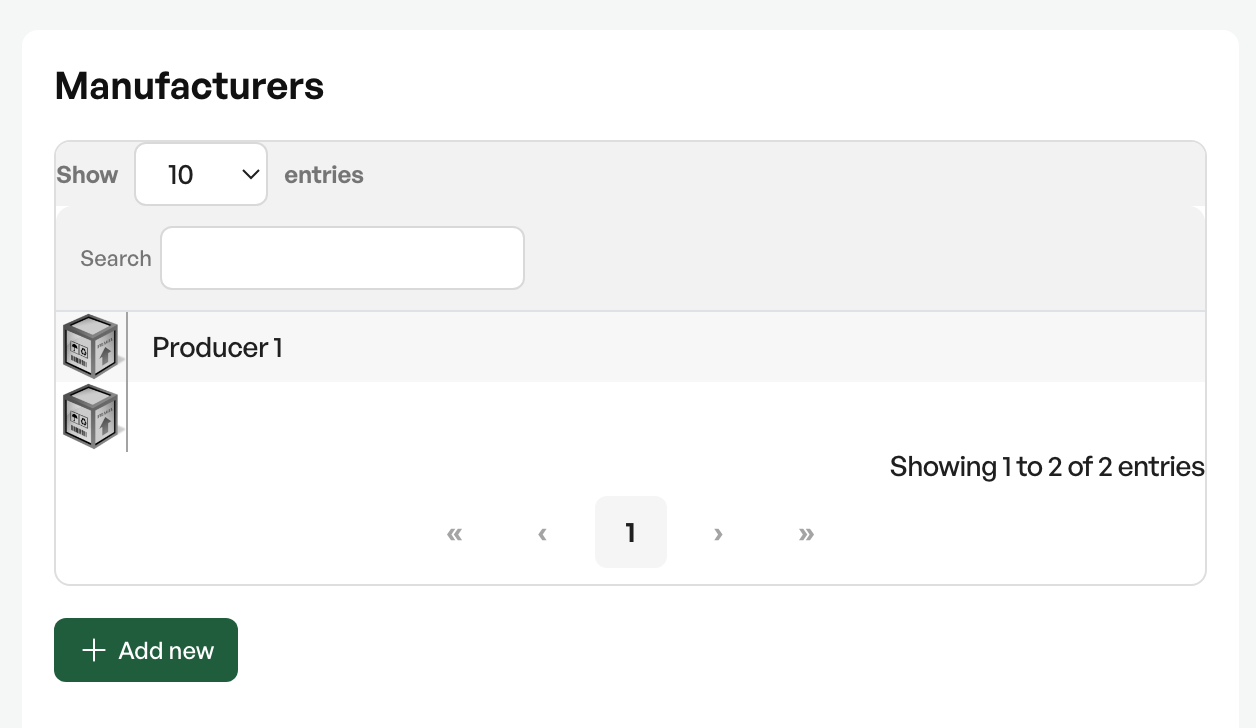
On the left in the manufacturer view, existing ones are shown. By clicking a manufacturer you can also edit an existing one.
To add a new one, click 'Add new'
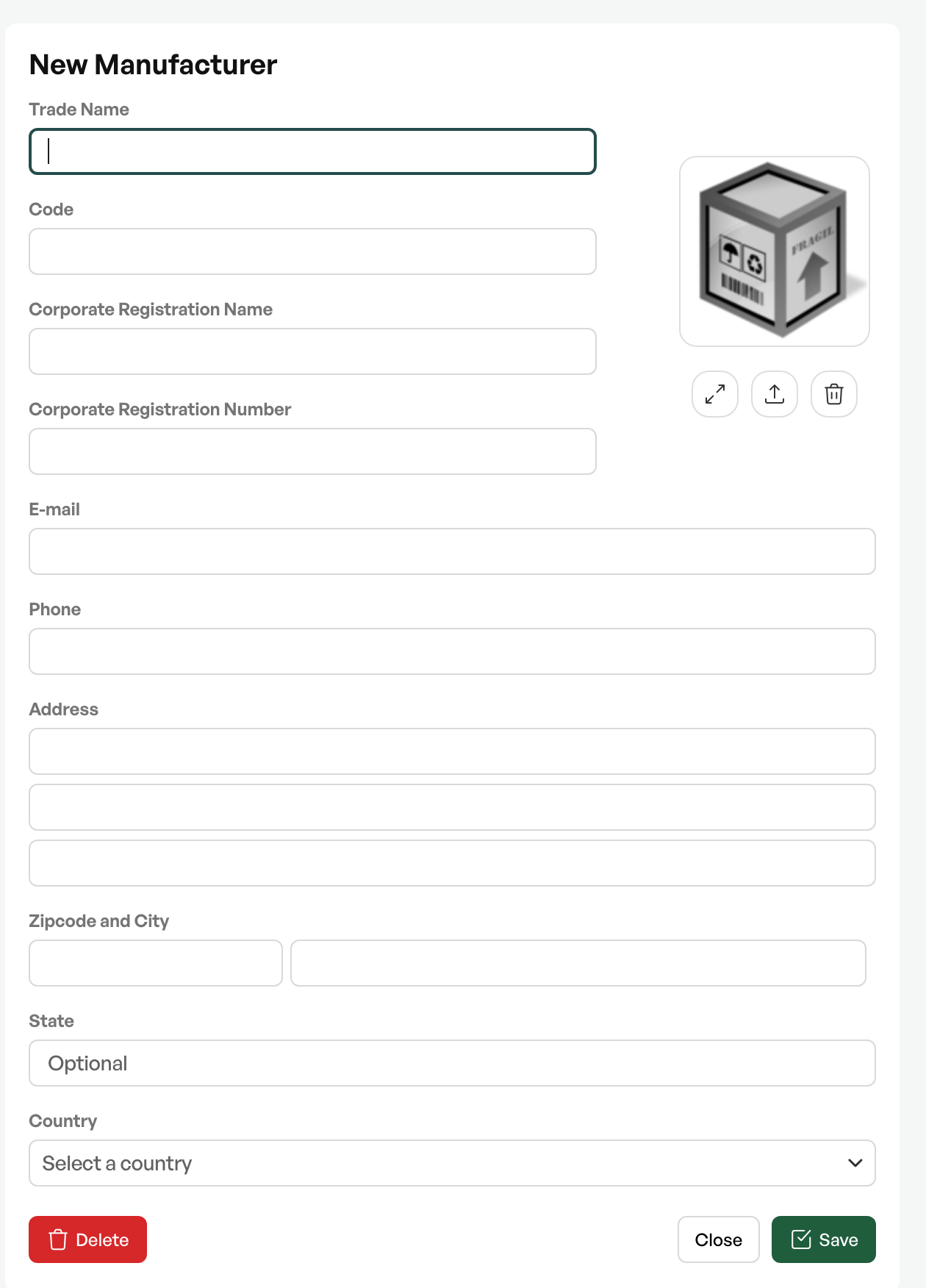
Fill in the desired information about the manufacturer and click 'Save'

Was this article helpful?
That’s Great!
Thank you for your feedback
Sorry! We couldn't be helpful
Thank you for your feedback
Feedback sent
We appreciate your effort and will try to fix the article