Creating a customer or supplier
A well-maintained customer and supplier database provides accurate information, which improves communication and efficiency in business processes. It ensures correct contact data, reduces the risk of errors and improves customer service. Up-to-date data also supports better decision-making and relationship management.
TABLE OF CONTENTS
Side menu and shortcut
In the side menu is the option "Customers"
Here is the option called "New customer" or "New supplier".
It is also possible to create a new customer or supplier from the customer and supplier list using the button in the bottom right corner.
Side menu
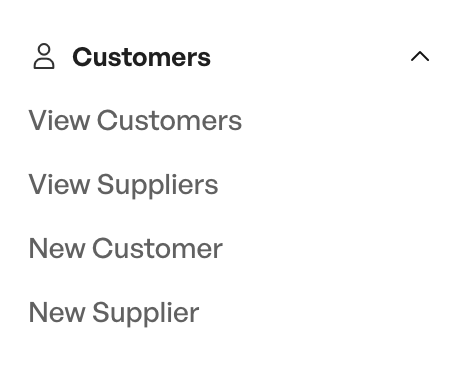
The customer and supplier module
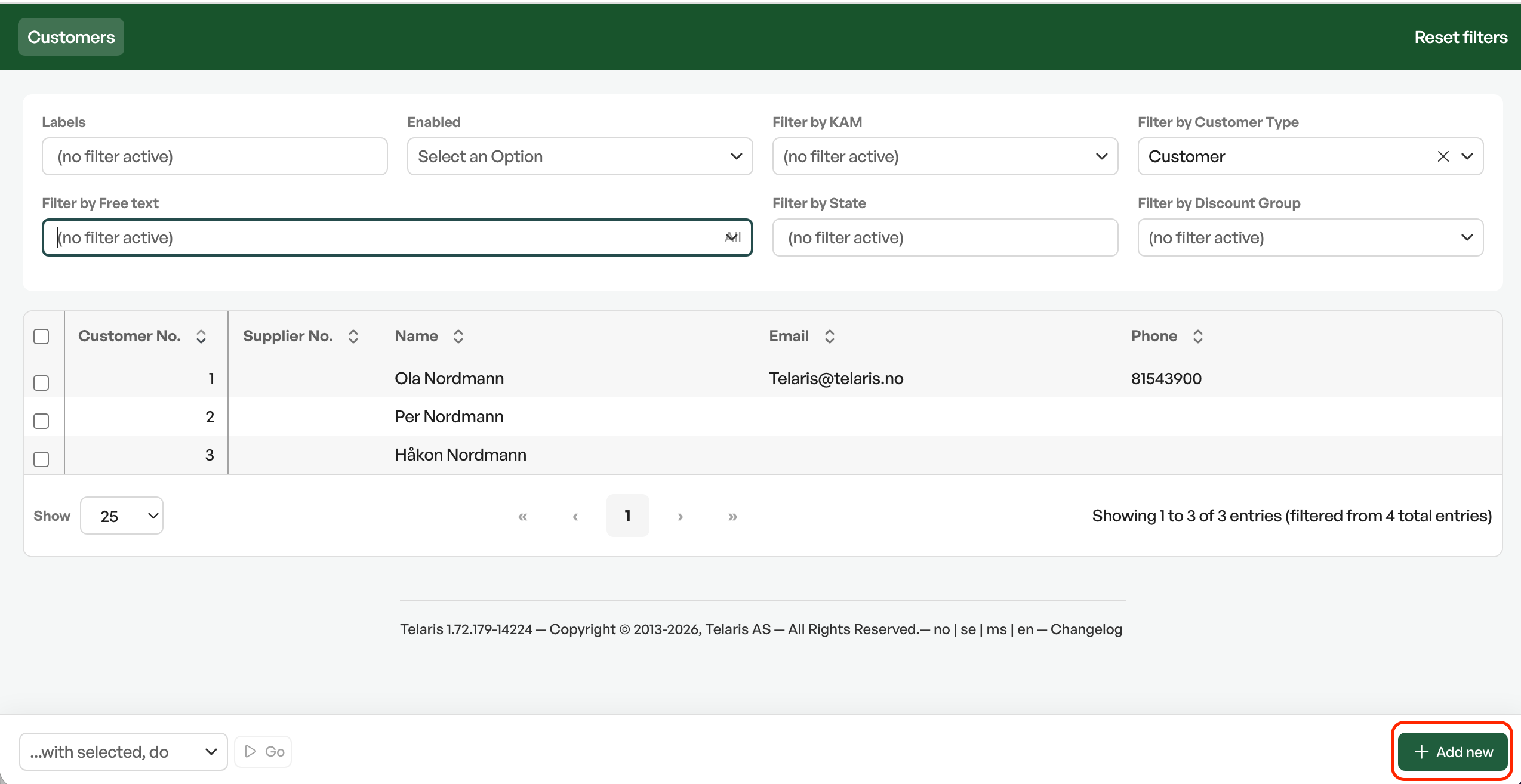
Tip: There is usually also a shortcut from the dashboard called "New customer".
The customer module
When creating, you are moved to the customer module. The first step is to choose the customer type: company, private person or supplier. To create a business customer, you can search in the "Organization name" or "Company register" field. The system then searches the Brønnøysund Register Centre and automatically fills in name, company registration number, phone number and address. Searching by phone number gives an automatic lookup and suggests the customer name and contact information.
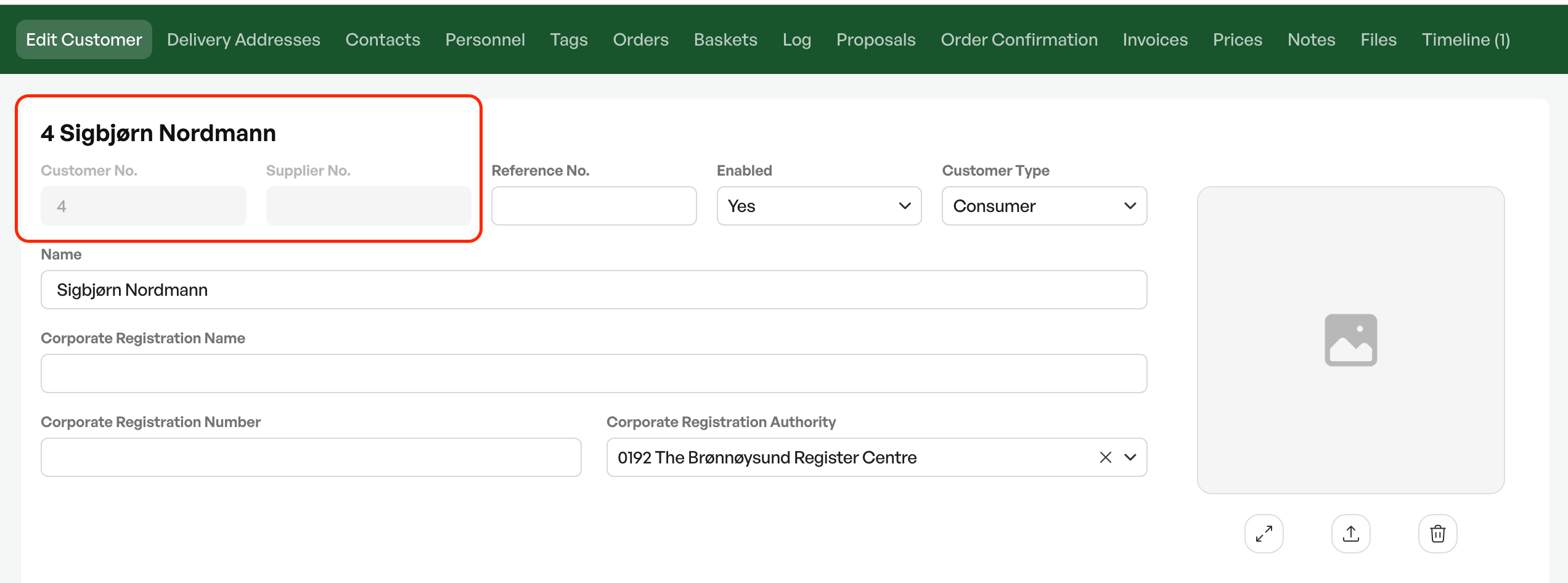
When creating a new customer or supplier, a new customer or supplier number is automatically created from the number sequence. The customer is automatically set to status active.
Tip: A customer can be both a customer and a supplier. To choose this, set the customer type to Supplier/Company.
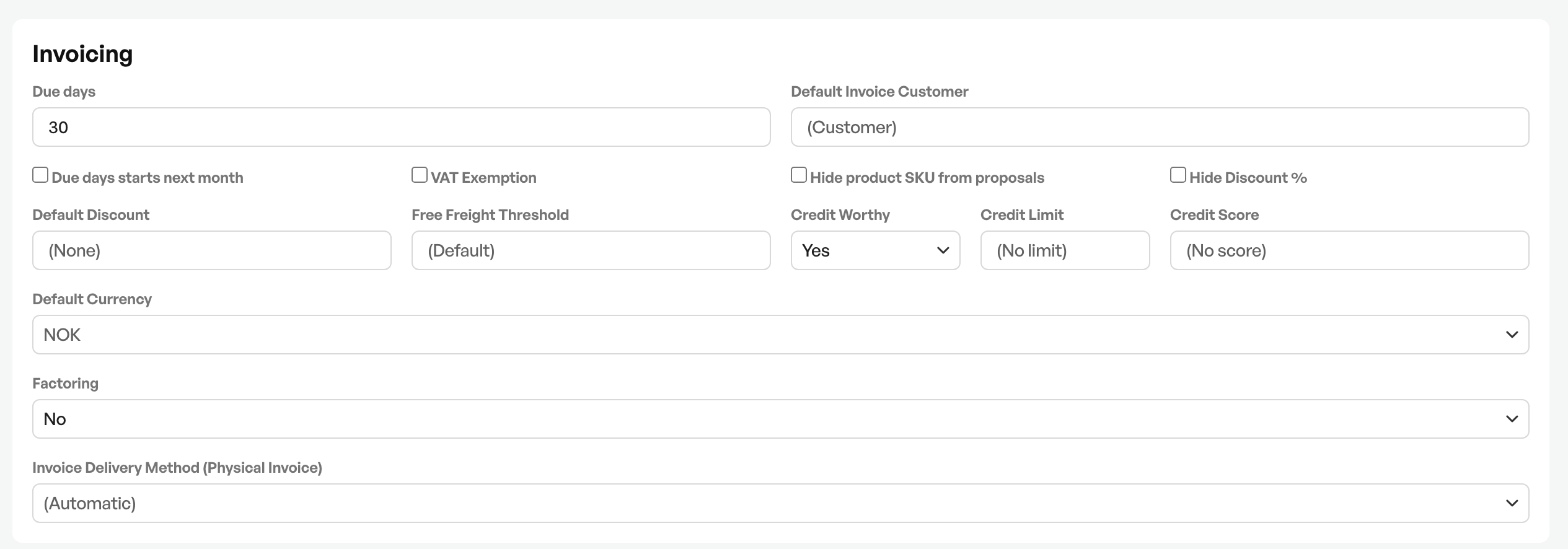
In the customer card you can make many different choices for the customer in question, from, for example, adjusting the default number of due days on invoices, the invoice sending method and the delivery address,

Was this article helpful?
That’s Great!
Thank you for your feedback
Sorry! We couldn't be helpful
Thank you for your feedback
Feedback sent
We appreciate your effort and will try to fix the article