Creating a customer or supplier
A well-maintained customer and supplier database provides precise information, which improves communication and efficiency in business processes. It ensures correct contact data, reduces the risk of errors and improves customer service. Updated data also supports better decision-making and relationship management.
TABLE OF CONTENTS
Side menu and shortcut
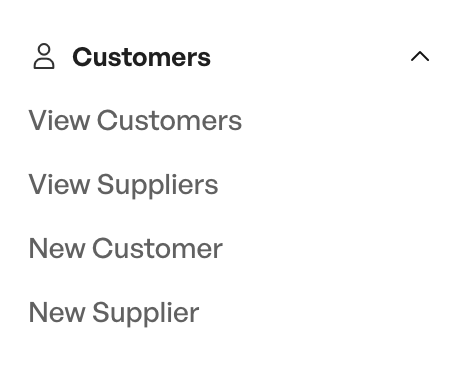
In the side menu you find the "Customers" option
Here is the option called "New customer" or "New supplier".
You can also create a new customer or supplier from the customer and supplier list, via a button in the bottom right corner
Side menu
When creating a new customer or supplier, you can fill in the information yourself, or use a search in the entity register to have all the information filled in automatically
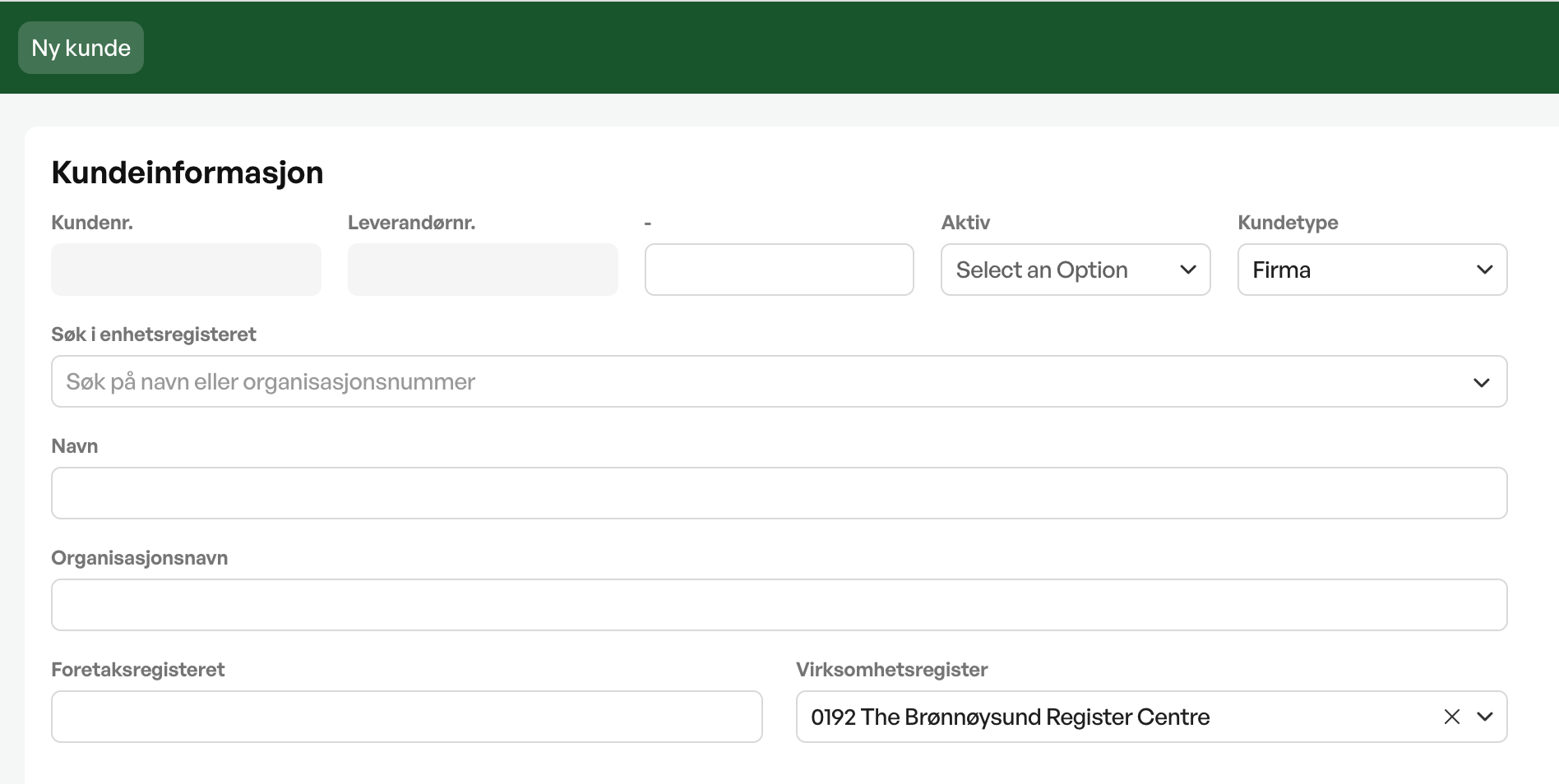
The customer and supplier module
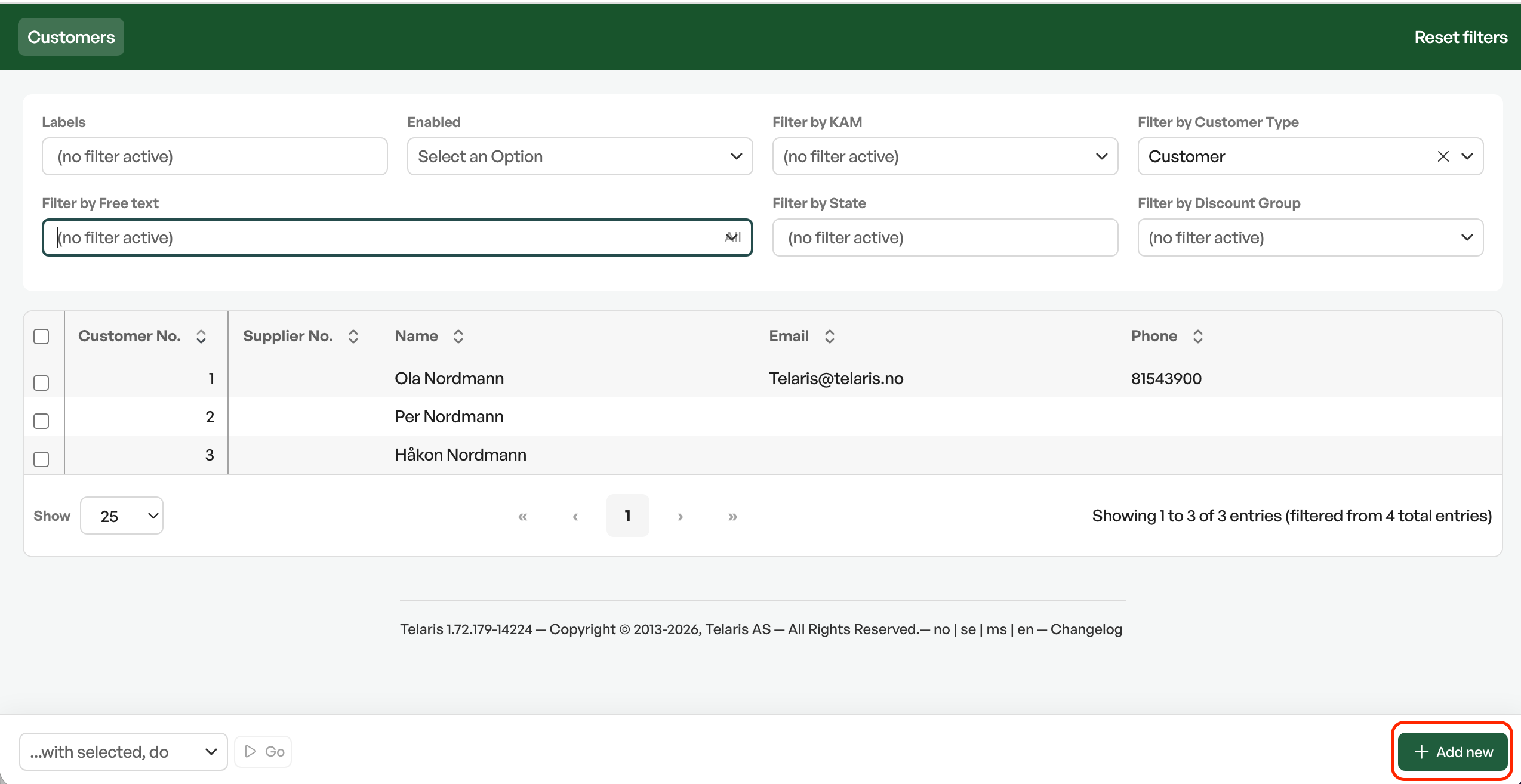
Tip: There is usually also a shortcut from the dashboard called "New customer"
The customer module
When created, you are moved to the customer module. The first step is to choose the customer type: company, private individual or supplier. To create a company customer, you can search in the "Organisation name" or "Foretaksregisteret" field. The system then searches the Brønnøysund Register Centre and automatically fills in name, organisation number, phone number and address. Searching by phone number gives an automatic lookup and suggests customer name and contact information.
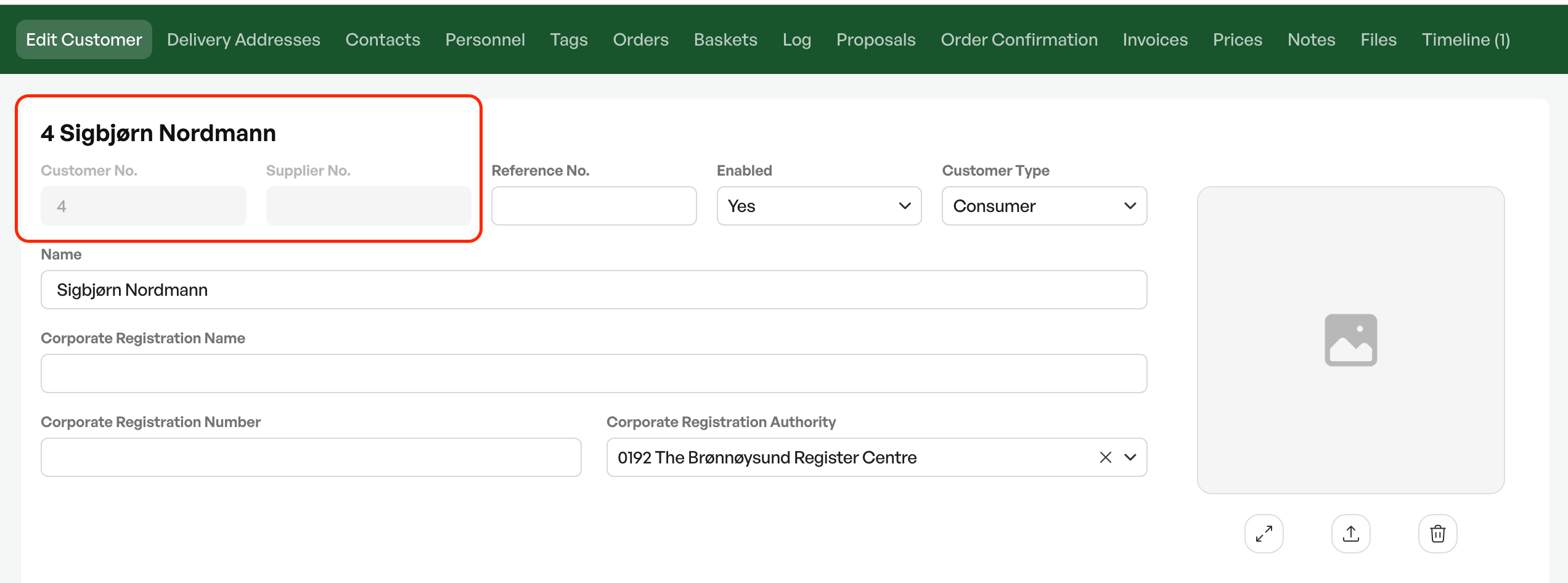
When a new customer or supplier is created, a new customer or supplier number is automatically created from the number sequence. The customer is automatically set to active status.
You can also create a customer directly from the order view, by not selecting a customer, but clicking in the customer field and clicking "Add". This gives a dialog box for entering information, as well as a search field for BRREG
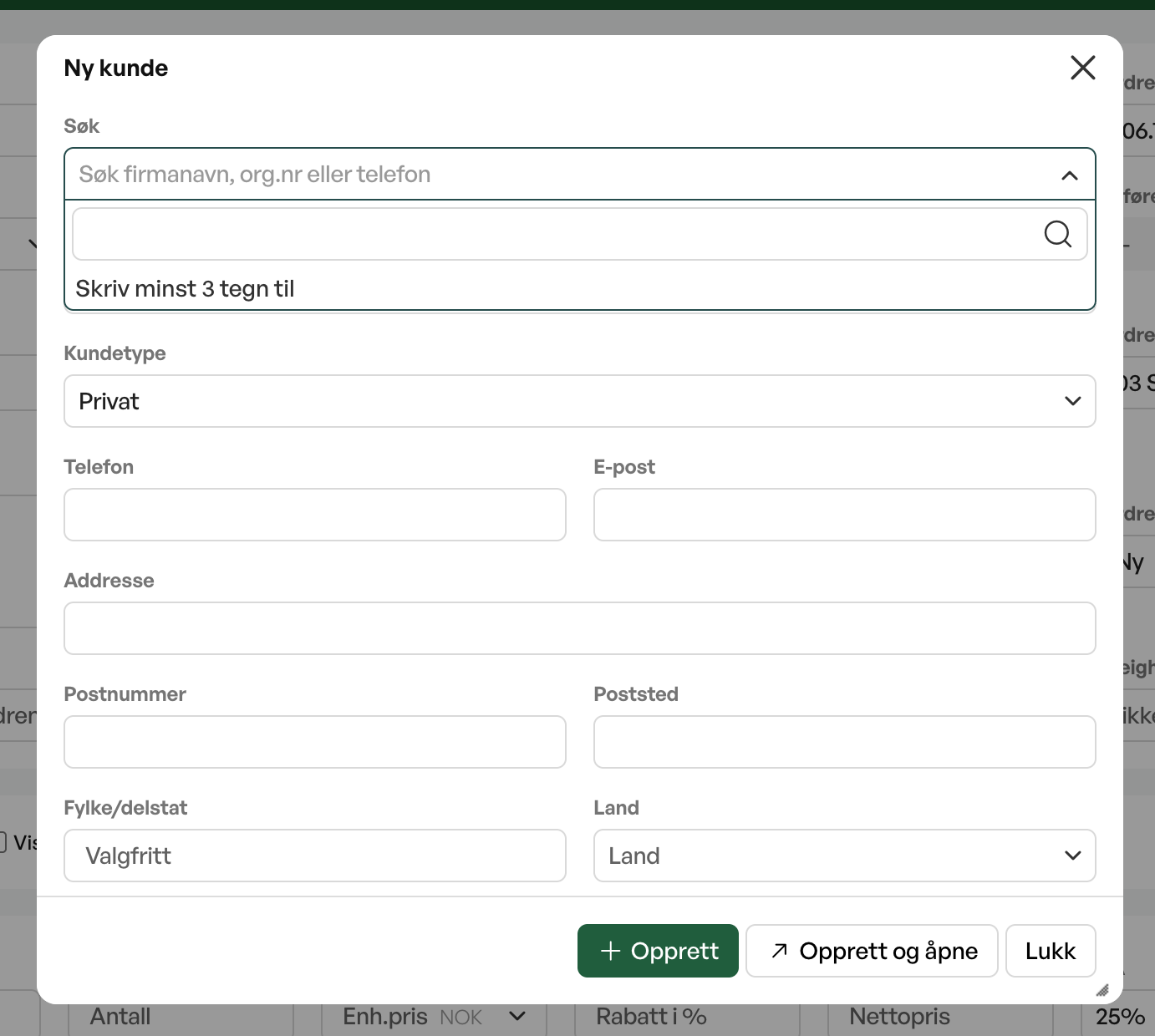
Tip: A customer can be both a customer and a supplier. To choose this, set the customer type to Supplier/Company
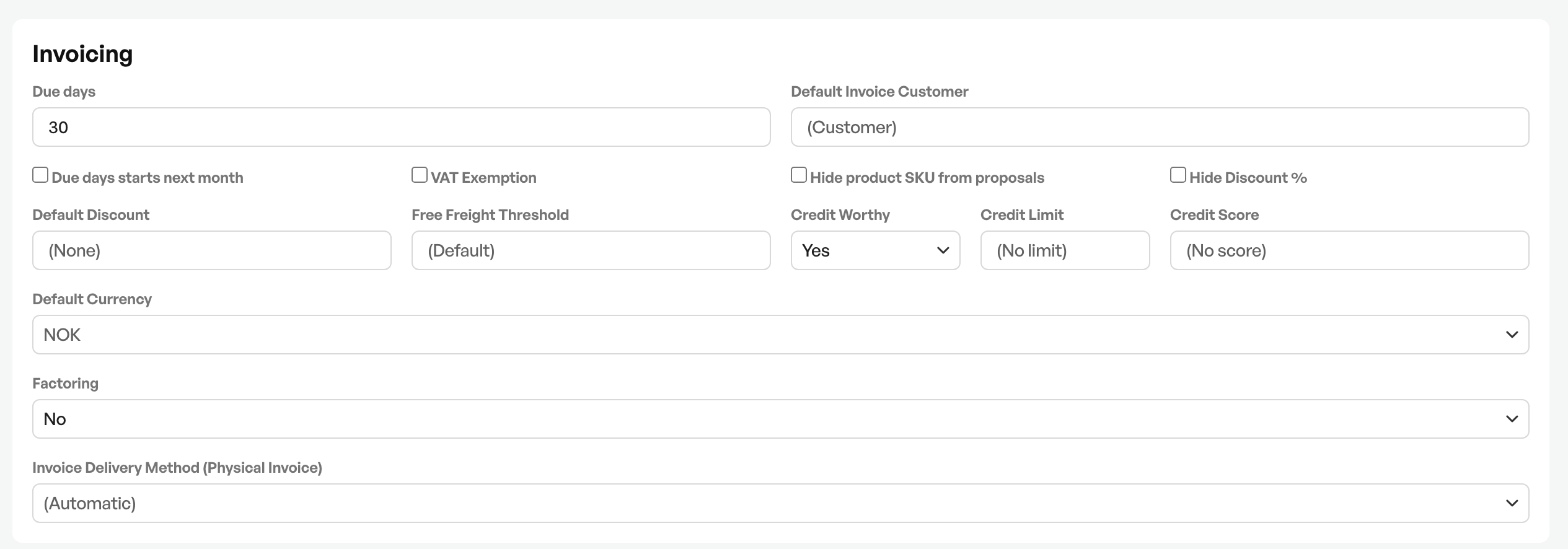
In the customer card you can make many different choices for the specific customer. For example, adjusting the default number of due days on invoices, invoice delivery method and delivery address,

Was this article helpful?
That’s Great!
Thank you for your feedback
Sorry! We couldn't be helpful
Thank you for your feedback
Feedback sent
We appreciate your effort and will try to fix the article