Create API user
If you are going to give a developer API access to Telaris, you create a user for them
TABLE OF CONTENTS
User setup
Setting up API users
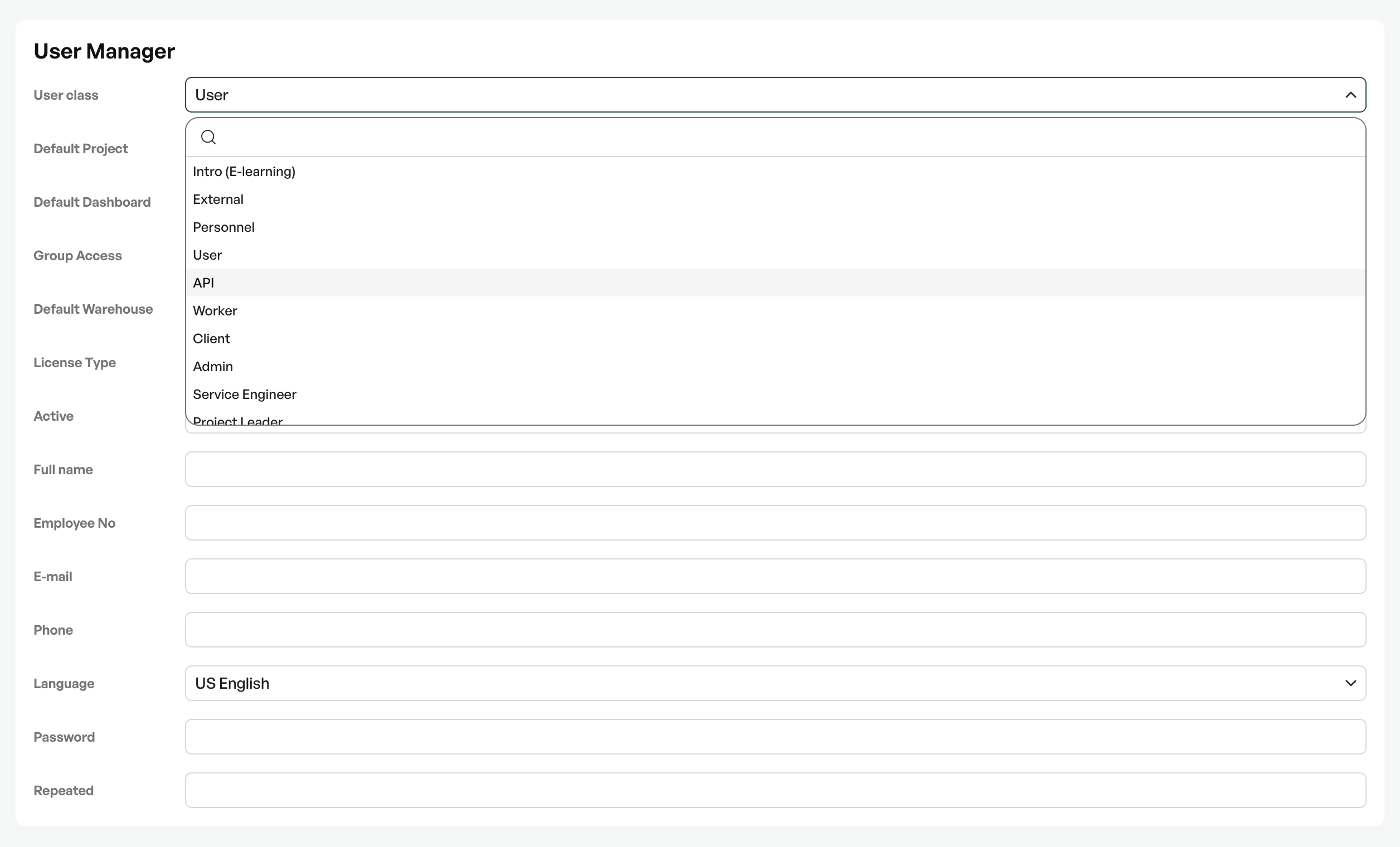
Go to user administration: 'Settings - Users - Add new'
Permissions
Set the user type to "API"
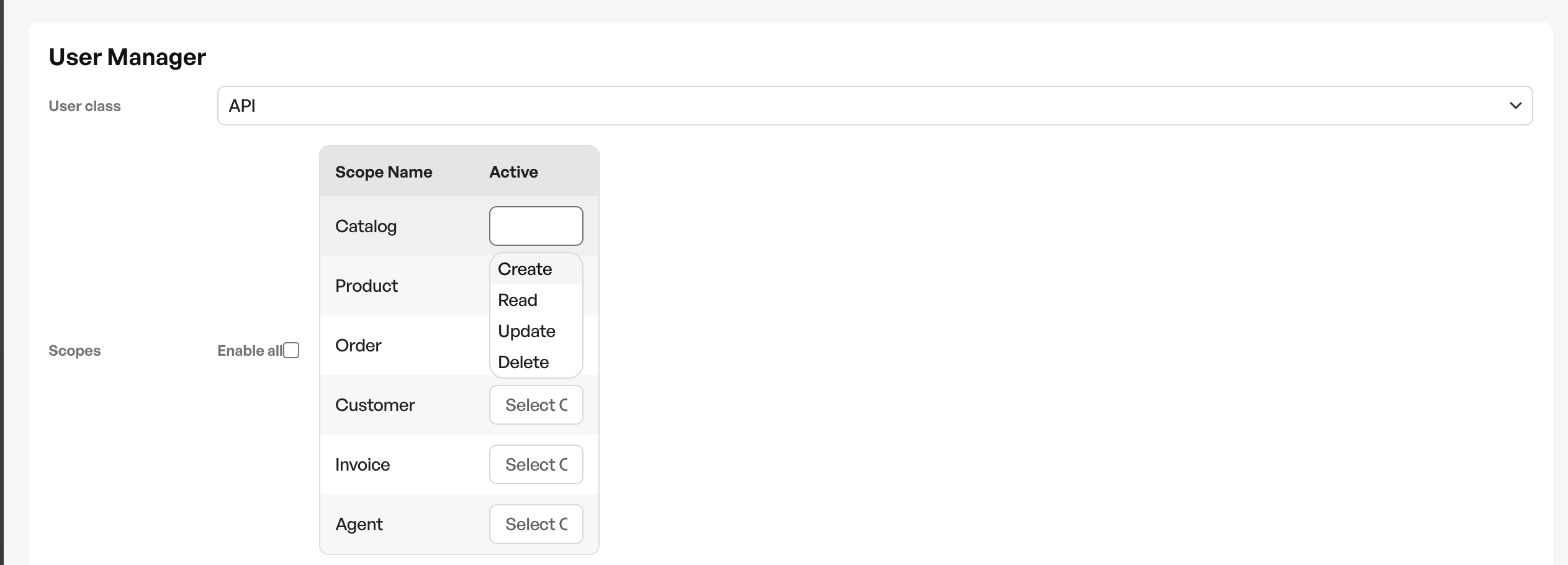
Set the permissions the API user should have. Click "Activate all" to give a third-party developer full access
| READ | Access to read data |
| CREATE | Access to create new data |
| UPDATE | Access to update existing data |
| DELETE | Access to delete existing data |
User information
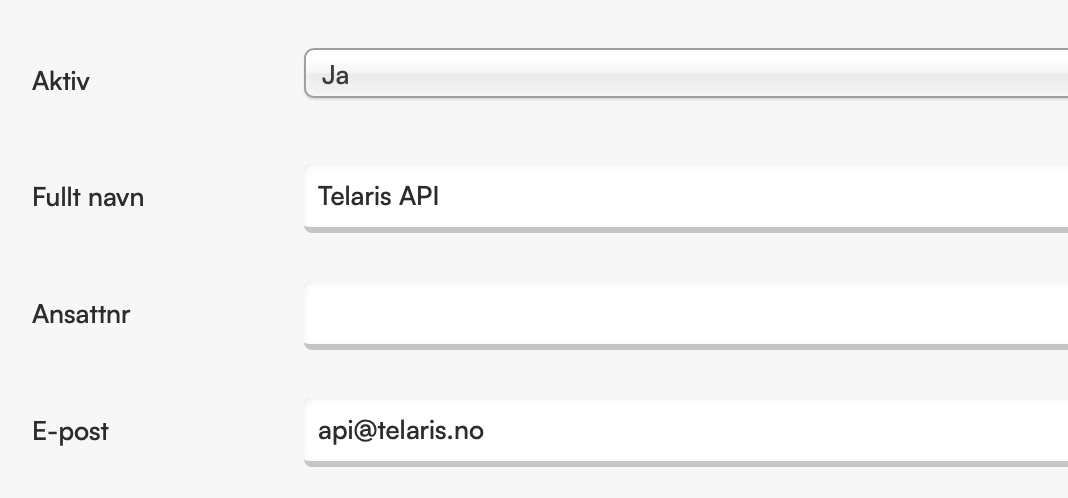
The user requires an email address and name, and must be set to active status "YES" before it can be saved.
API key
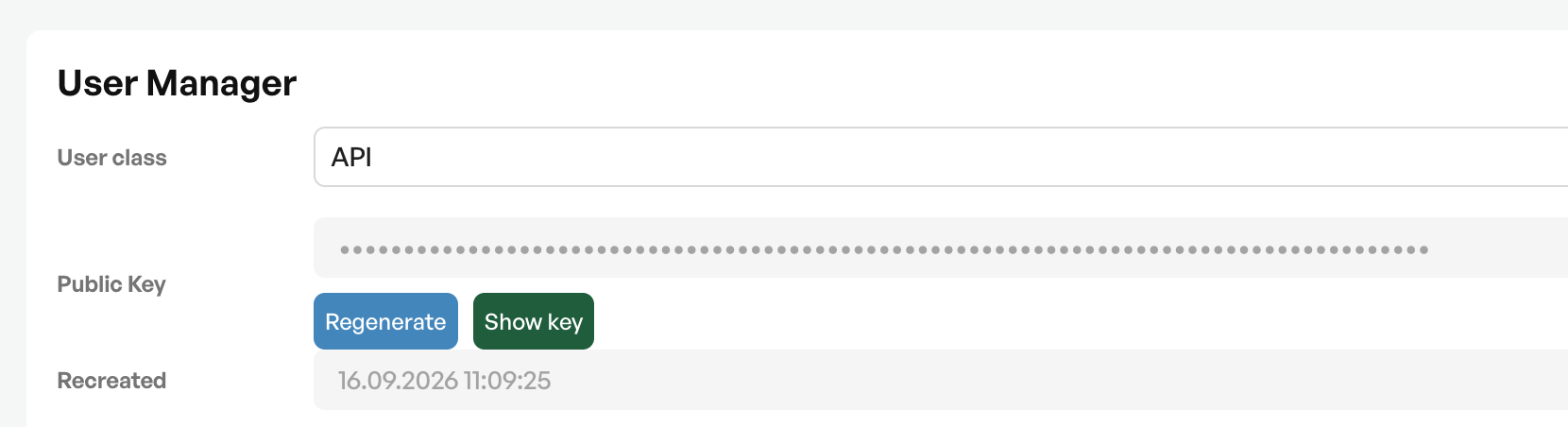
When the API user is saved, an API key is created.
This key is sent to the third-party developer to connect to Telaris via the API.
A third-party developer will also need documentation for the API, which is found in the section below

Was this article helpful?
That’s Great!
Thank you for your feedback
Sorry! We couldn't be helpful
Thank you for your feedback
Feedback sent
We appreciate your effort and will try to fix the article