Templates for sending email and SMS
In Telaris you can define default templates for outgoing email and SMS
TABLE OF CONTENTS
- Templates for sending email and SMS
- Outgoing email templates
- Outgoing SMS templates
- Quick codes (Quickcodes)
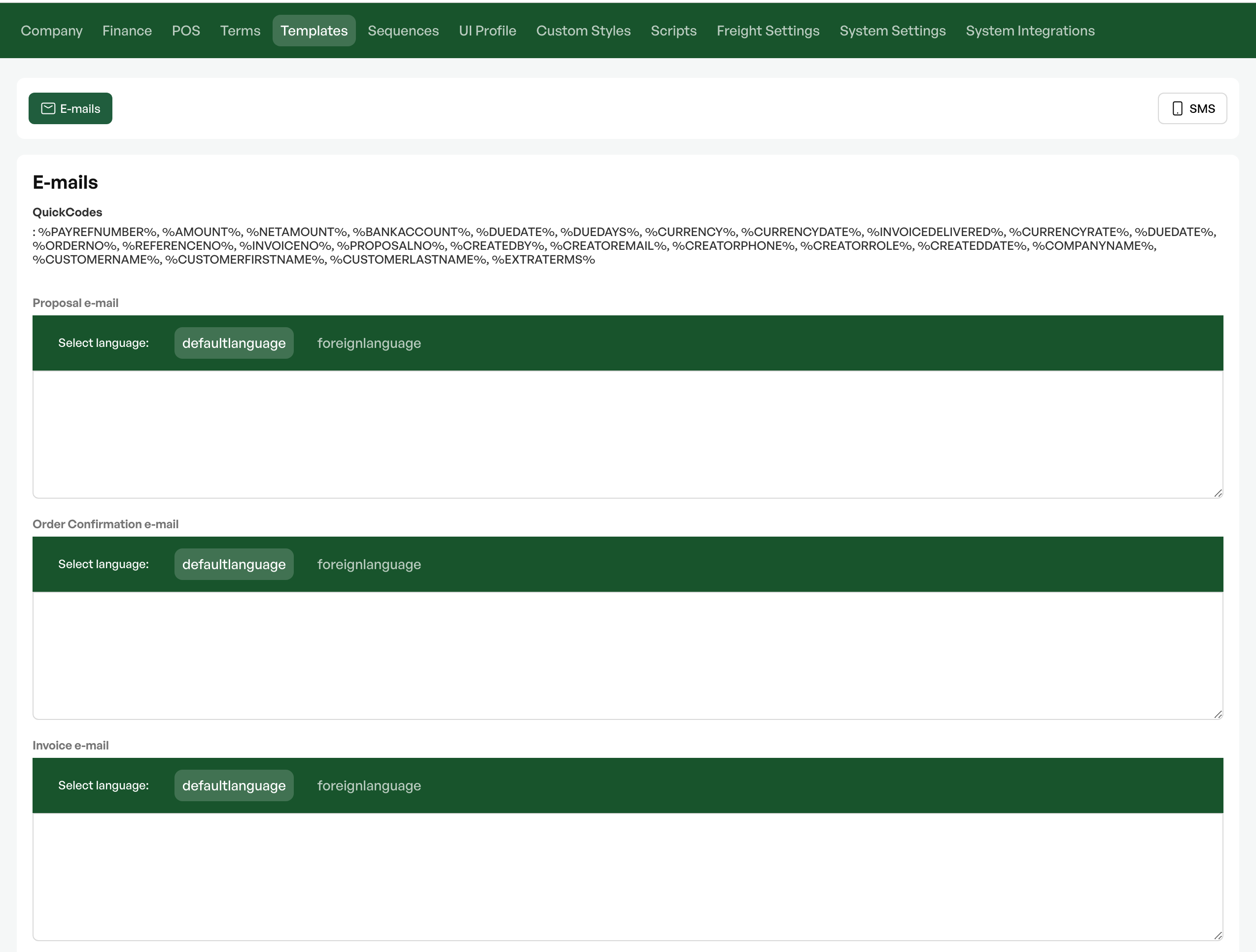
Outgoing email templates
Located under System settings -> Templates
Option to set up custom templates for
- Quote
- Order confirmation
- Invoice
- Credit note
- Payment reminder
- PO
Outgoing SMS templates
Located under System settings -> Templates
Option to set up custom templates for
- Order
- Customer
- Quote
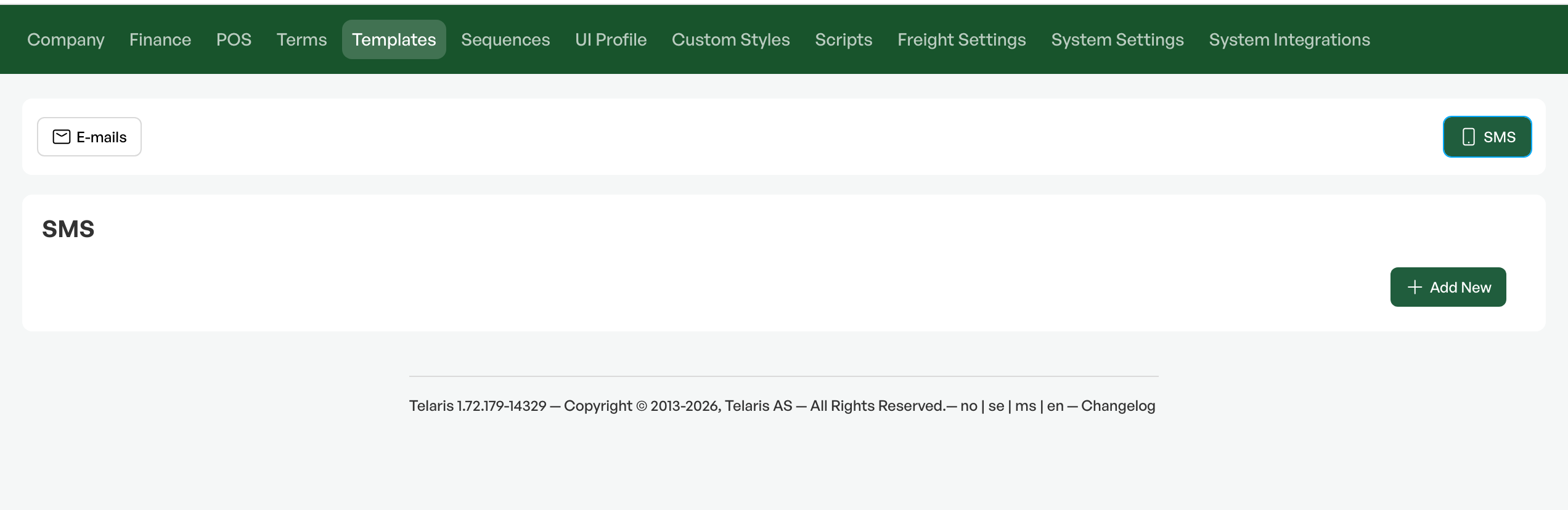
NOTE: The SMS solution is not enabled by default. Costs apply to enable SMS functionality. Contact Telaris for more information
Quick codes (Quickcodes)
For email and SMS there are quick codes that can pull information from orders, the customer card, invoices etc.
All available quick codes for the selected medium are listed at the top of the 'Templates' editor.
Quick codes are entered by starting and ending with '%'.
Example of quick code use. The codes in the example will pull registered information from the logged-in user card.
Hi,
Thank you for your enquiry, please find our quote attached!
We hope this is of interest and look forward to hearing from you!
Kind regards
%CREATEDBY%
%CREATOREMAIL%
%CREATORPHONE%
----
Hi,
Thank you for your enquiry, please find our quote attached!
We hope this is of interest and look forward to hearing from you!
Kind regards
Telaris AS
support@telaris.no

Was this article helpful?
That’s Great!
Thank you for your feedback
Sorry! We couldn't be helpful
Thank you for your feedback
Feedback sent
We appreciate your effort and will try to fix the article